Keep valuable content and page addresses in view while improving the design, structure and usability of an existing website.
Record the existing site before changing it
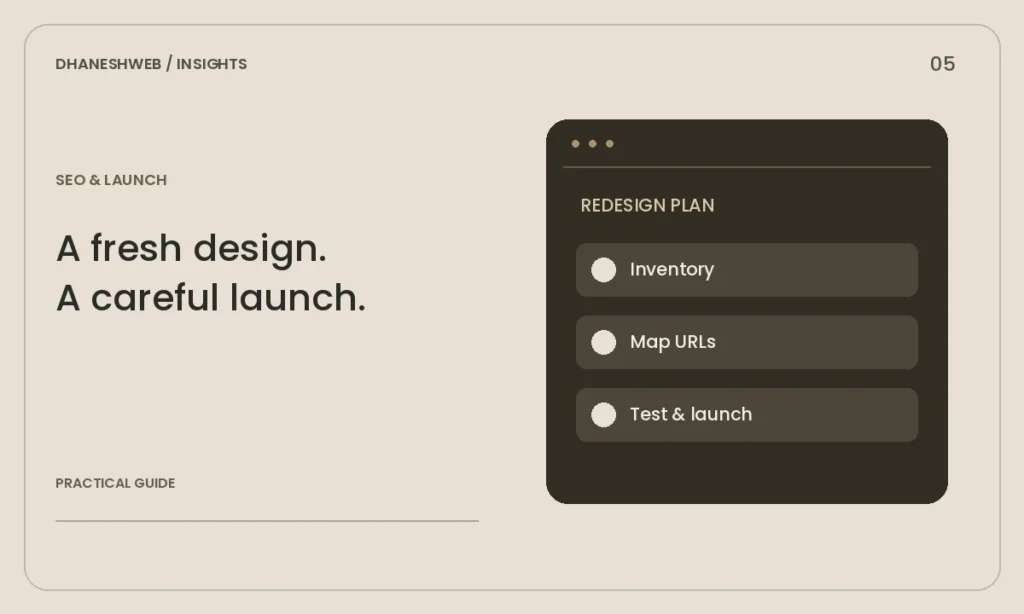
Export or list the current page URLs, titles and important files. Include blog articles, product pages and PDFs that customers may have bookmarked. Use analytics and Search Console, where available, to identify pages that already attract relevant visits.
Take a backup of both files and database before starting. Save screenshots of important layouts and document how forms and integrations work. A redesign is easier to evaluate when you know which tasks the old site supported and what needs to improve.
Map content to the new structure
Give each important old URL a destination in the new plan. Keep an existing address when it still makes sense. If pages are combined, choose a relevant destination and preserve the useful information rather than removing it simply because the layout changes.
Avoid changing URLs just to make them look new. A good structure is understandable and stable. Use clear page names and a navigation hierarchy that matches how customers look for information. Review mobile navigation separately from desktop menus.
Implement and test redirects
When an address must change, use an appropriate permanent server-side redirect to the closest replacement. Test the original URL directly and confirm that the final page is relevant and works. Avoid redirect chains where one old page points through several intermediate addresses.
Update internal links to their final destinations. Check canonical URLs and the sitemap against the public domain. The staging environment should remain separate from the production site so test addresses and access restrictions do not leak into published pages.
Review search and customer journeys together
Check titles, descriptions, headings and image text. A page should have a clear purpose for readers, with relevant links to the next useful service or article. Structured data must describe visible content accurately; it cannot make an unsuitable page relevant.
Submit an enquiry, follow phone links and test any checkout or booking process. Make sure messages reach the right inbox and confirmation text is understandable. A redesign that preserves search traffic but breaks enquiries still fails its business purpose.
Monitor after the switch
After launch, check HTTPS, redirects, image loading and crawl access. Review Search Console indexing reports and important page URLs. Some changes take time to be processed, so compare meaningful patterns instead of treating a single day as a final verdict.
Keep the previous backup until the new site is stable. Log new errors, decide who fixes them and retest affected pages. Launch is the start of measuring the new experience, not a reason to stop maintaining content and technical basics.
Get help with your website
Explore our Web Development service or discuss your requirements with DhaneshWeb.
Continue reading
- Core Web Vitals: a practical guide for a WordPress website
- Local SEO for a Maharajganj business: a practical starting point