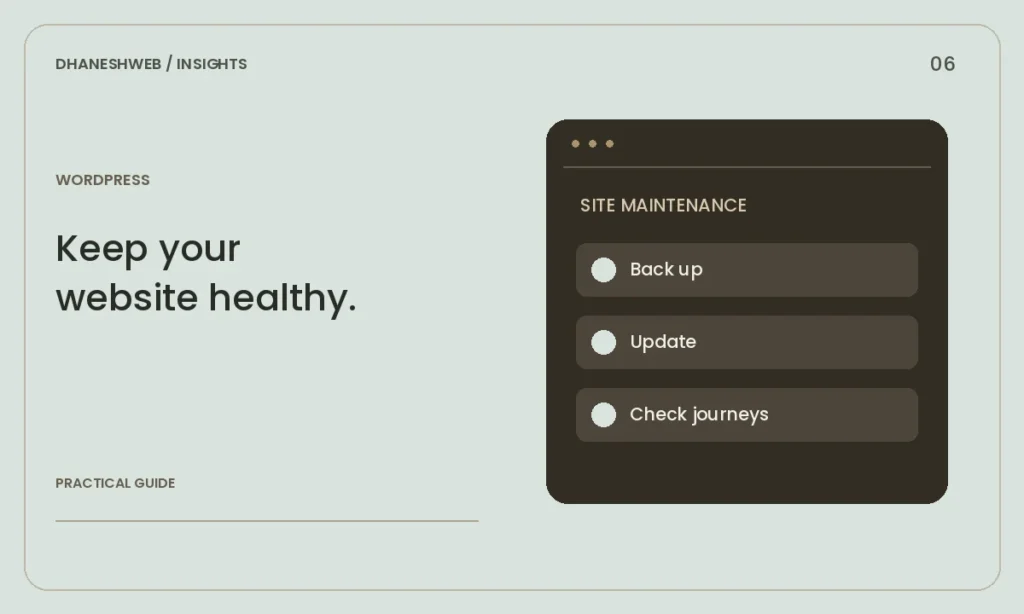
A repeatable routine for backups, updates, content accuracy and the customer journeys your business depends on.
Know who owns the essentials
Keep the domain, hosting, administrator accounts and renewal information documented in an account the business controls. Use individual accounts where possible and remove access when it is no longer needed. Keep recovery information current.
Set a realistic maintenance schedule and assign responsibilities. A provider may maintain the software while your team checks service information and incoming enquiries. Write down what support covers and how urgent problems are reported.
Back up files and database
A WordPress recovery plan needs the database as well as website files. The database contains posts, pages and settings; files include uploads, themes and other software. Keep backups somewhere that is not dependent on the same failing website.
Check that a recent backup actually exists and test restoration in a separate environment. A backup that has never been restored is an untested assumption. Set the frequency according to how often content and transactions change, rather than choosing the same schedule for every site.
Update with a way back
Review WordPress, theme and extension updates regularly. Before significant changes, take a backup and test the update in staging when available. Use a checklist that covers the menu, forms, article publishing and any store functions.
Remove unused software carefully and keep required components current. Automatic updates can help, but they do not replace checking whether the site still works. A custom theme also needs maintenance as browsers and WordPress evolve.
Test enquiries and content
Send a real test message through each form and confirm that it reaches the intended inbox. Check phone, email and WhatsApp links. Look for broken images, out-of-date opening hours, old prices and service details that no longer apply.
Review the mobile version of new articles and uploaded images. Large files can make an otherwise fast website slow. Write useful image descriptions and link related pages naturally so visitors can continue their research.
Review security and performance signals
Use strong unique passwords and the access controls supported by your hosting and account setup. Watch for unexpected administrator accounts, unfamiliar changes and unusual redirects. Investigate a warning rather than hiding it from visitors.
Retest important pages after changes to content or tracking tools. Keep a brief maintenance log with the date, changes and checks performed. This makes troubleshooting easier and helps the business understand what it is paying to maintain.
Get help with your website
Explore our WordPress Development service or discuss your requirements with DhaneshWeb.
Continue reading
- Core Web Vitals: a practical guide for a WordPress website
- A practical website checklist for businesses in Maharajganj