A business can work with customers in several cities without operating an office in each one. The website should explain that model clearly. Useful location content helps a customer evaluate the service; it should not depend on fictional addresses or dozens of pages with only the city name changed.
Separate service availability from a physical branch
Record where the business actually works and how the service is delivered. Remote project reviews, on-site visits and a public customer location are different arrangements. A service page can explain the relevant process and requirements without claiming a branch that does not exist.
Google Business Profile has its own eligibility and representation rules. A city landing page does not create eligibility for another profile. Review the current rules against the real operating model before adding addresses or service-area information. An online-only business should not assume that listing a city on a website makes it eligible for a local profile.
Give each page a customer purpose
A location brief should help a visitor understand the work that fits their requirements. For example, a B2B service brief may explain specifications and project qualification, while a local appointment service may need accurate availability and a tested contact route. These are different information needs, not proof that every business in a city operates the same way.
Use approved business facts and relevant examples. Do not invent clients, branch photographs or measured results to make the page appear local. If there is no distinct information to offer, consider whether an existing service page or a service-area directory would serve the visitor better.
Connect the pages through a useful hierarchy
Make relevant briefs discoverable from the service navigation or a location directory. Connect them to the underlying services and practical planning material. A visitor should be able to move from understanding the offer to reviewing the requirements without passing through several repeated pages.
Google’s spam policies describe doorway abuse and keyword stuffing, including substantially similar pages that exist mainly to funnel users elsewhere. Treat that as a reason to review the purpose and usefulness of each page. Repeating city names or creating a second page for agency versus company wording does not establish a separate customer need.
Use evidence before expanding the map
Review the search and enquiry information available for the existing pages. Keep actual observations separate from proposed keywords. A few impressions can identify a topic worth investigating, but they do not prove stable demand or justify a large number of new destinations.
Before adding a page, record the intended customer, the question answered and the information that will be maintained. After publication, inspect the useful URLs and compare suitable reporting periods. Keep accurate service descriptions even when the preferred ranking phrase is broader than the work the business actually provides.
Your practical checklist
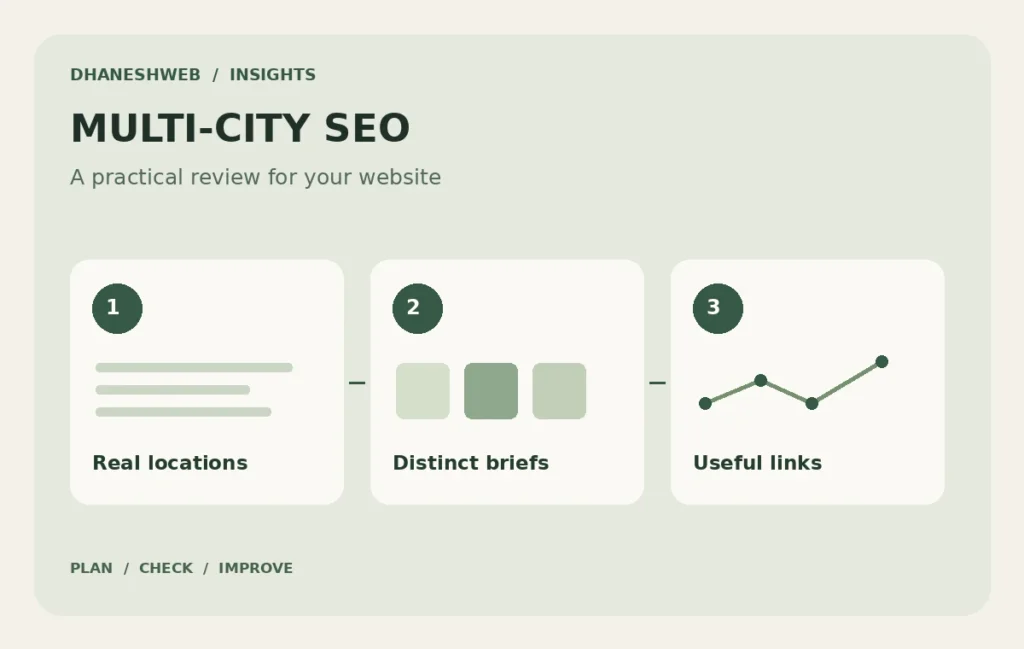
- Record genuine working locations and delivery arrangements.
- Define a distinct customer purpose for each brief.
- Link briefs to services and a usable directory.
- Review evidence before adding more city variants.
Common questions
Do agency and company keywords need separate city pages?
Usually they can share the same relevant service page when the customer intent is the same. Create another page only when it serves a genuinely different requirement.
Can a remote business claim an office in every target city?
No. Describe service availability and remote collaboration accurately. Business Profile eligibility and address information must reflect the actual operating model.
Official references
Use the current official guidance alongside the planning questions in this article.
Apply this guide to your website
- Explore the website service-area directory ↗
- A technical-business marketing brief for Bangalore ↗
- A local-service marketing brief for Lucknow ↗
- A website-launch marketing brief for Prayagraj ↗