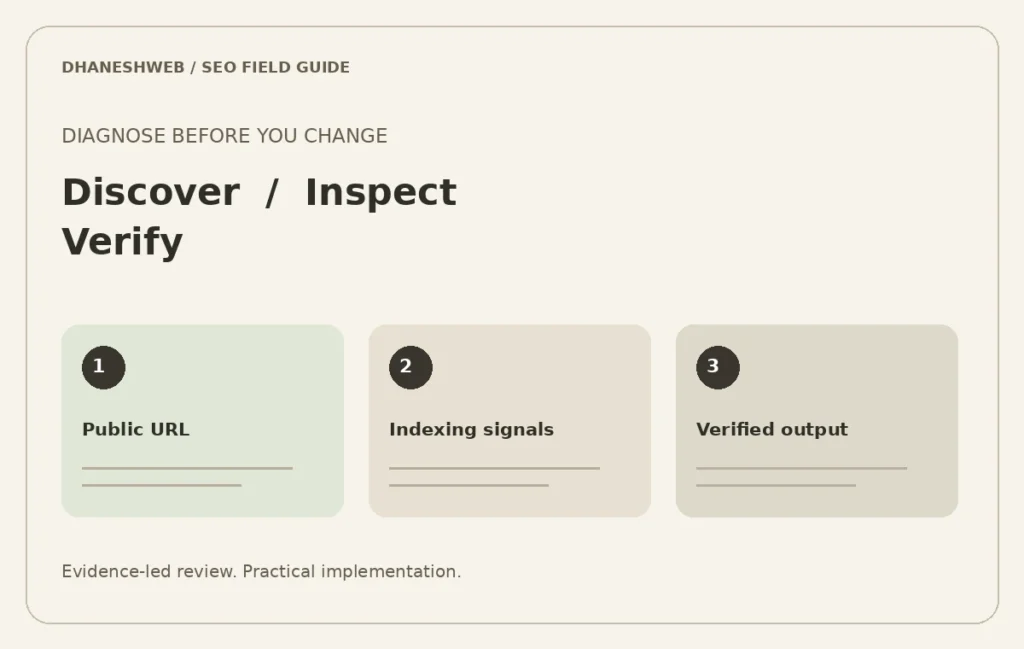
Investigate discovery, status codes, canonical preferences and content intent before changing WordPress indexing settings.
Separate discovery, access and selection
An excluded URL is a starting point for investigation, not automatically an error. First ask whether the URL should exist in search at all. Then distinguish how it is discovered, whether a crawler can access its useful content and which version should represent the topic. A deliberate utility page and an important service page should not share the same indexing policy by accident.
Create an inventory of representative WordPress URLs: service pages, posts, categories, pagination, search results and any custom post types. Record the intended purpose, preferred URL, response status and internal link source. This makes the audit about business content rather than an indiscriminate attempt to index every generated address.
Inspect one affected URL end to end
Use Search Console URL Inspection where you have access, then compare it with the live response and rendered page. Note whether the inspected version reflects a recent change. A report about an earlier crawl can coexist with a corrected live page, so record dates and evidence rather than repeatedly editing the same setting.
Check for accidental password protection, incorrect publication state, redirect chains and content that fails to appear. Review both the original response and the visible page when scripts are involved. A page that displays an error message while returning a successful response may require a status-handling correction.
Check WordPress output at template level
Inspect canonical and robots output for the affected page type. Several SEO systems or custom snippets can produce conflicting tags. Confirm where each tag comes from before disabling anything. A theme, a plugin, a custom integration and a cache layer can each affect the HTML the visitor receives.
Use a controlled test after making a change. Purge the relevant cache, inspect the page while logged out and compare representative URLs that share the template. Keep the change narrow enough to explain. A successful fix for a service page should not accidentally hide the blog archive or expose a private enquiry record.
Review archives and overlapping content deliberately
WordPress can expose several views of related content. Decide which archives help visitors navigate and which provide little independent value. Do not delete categories merely because they overlap with posts. Equally, do not assume every taxonomy needs its own search landing page. The decision should reflect the content available and the navigation purpose.
Where two service pages have become substantially similar, compare their backlinks, existing traffic, business scope and internal references before consolidating them. Preserve useful URLs unless a planned change is justified. Redirects, links and sitemap output should agree with the chosen destination after a consolidation.
Validate the sitemap without treating it as a ranking switch
Check that the sitemap lists the public URLs you intend to expose and excludes private or withdrawn content. Confirm that listed destinations resolve properly. A sitemap is a discovery mechanism; submitting a URL does not guarantee indexing or a search position. Avoid repeated submissions as a substitute for solving a content or access problem.
After repair, record the affected URL set and the verification steps. Revisit the relevant Search Console report when fresh data is available. Include the remaining uncertainty in the report: access can be fixed directly, while a search engine still decides whether the page adds enough value to select.
Turn findings into a controlled implementation brief
Each finding should identify its template, example URLs, business impact, proposed action and acceptance check. Assign ownership for editorial decisions separately from server or theme changes. Ask for account permissions suitable for the task; avoid placing credentials into ordinary enquiry forms.
A focused WordPress audit can begin with a small set of priority services and articles. The goal is a clear publishing and navigation system that the owner can maintain. The next useful step is an agreed backlog with reproducible checks, rather than a promise to make every URL appear in Google immediately.
Explore related SEO briefs
- Technical SEO Audit in Pune | Multi-service corporate websites
- Technical SEO Audit in Mumbai | Product catalogues and collection discovery
- Technical SEO Audit in Bangalore | JavaScript and B2B software websites
- Technical SEO Audit in Lucknow | Service-area and appointment enquiries
- Technical SEO Audit in Delhi | B2B lead generation and overlapping services
- Technical SEO Audit in Maharajganj | Small-business publishing and bilingual information
- Technical SEO Audit in Satara district | Manufacturing catalogues and distributor enquiries
- Technical SEO Audit in Prayagraj | Education content and seasonal publishing
- Technical SEO Audit in Chandigarh | Redesigns, migrations and URL continuity
- Shopify SEO Services | Collections, Products & Store Structure
- WordPress SEO Services | Indexing, Content & Technical Review
- Ecommerce Category SEO | Catalogue & Search Intent
Compare all location-specific audit briefs · Discuss your website priorities
Continue reading
- Search Console SEO Prioritisation: Build a Practical 90-Day Plan
- Shopify Collection SEO: Filters, Canonicals and Product Discovery
- B2B Service Page SEO: Answer the Questions Buyers Actually Ask
Primary references
Use the official documentation alongside the examples in this guide. Platform behaviour and reporting interfaces can change.